Support
Need help with Sikh Art TV? Browse quick answers or send us a message.
Restore Purchases
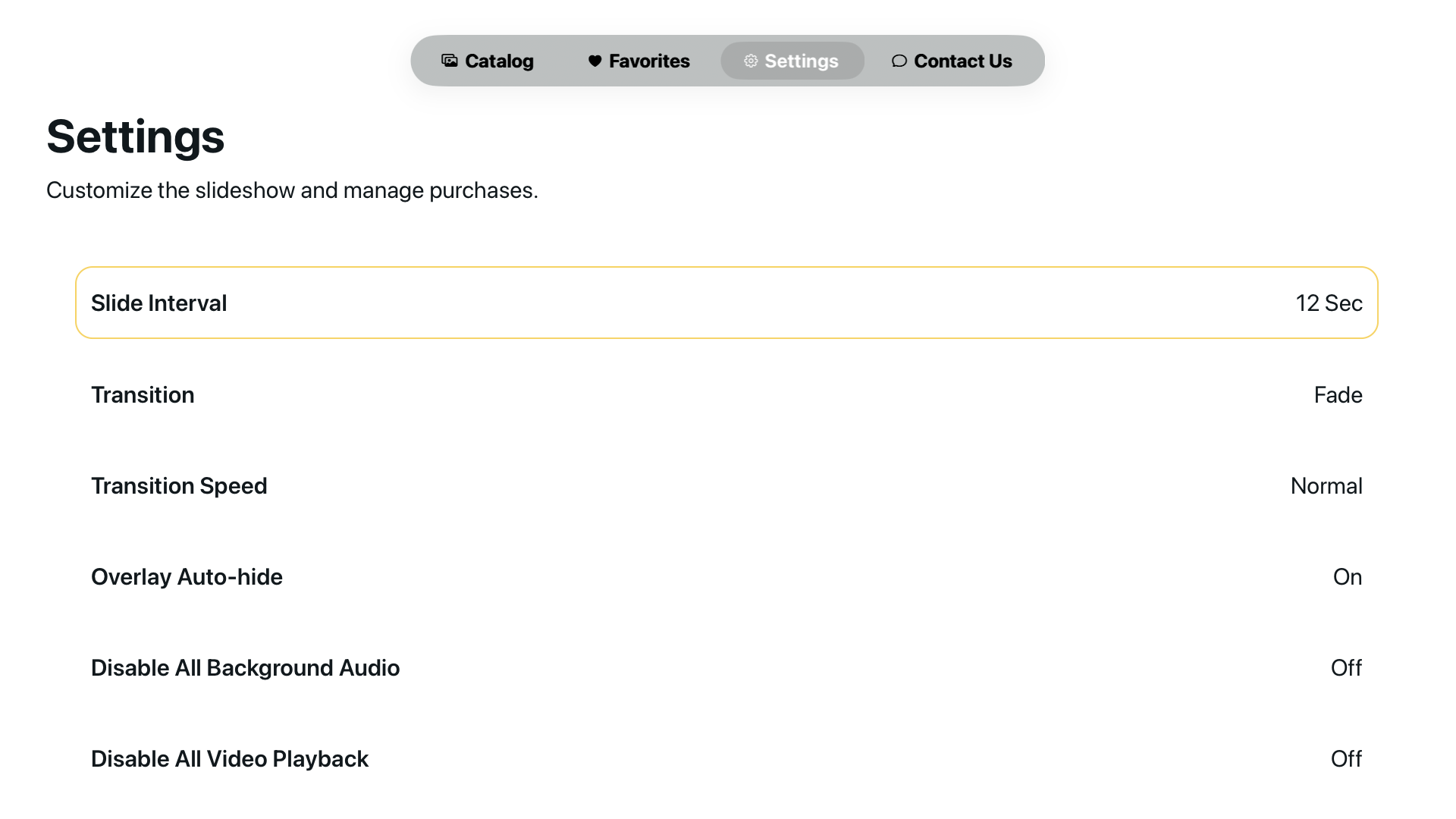
On your device, open Sikh Art TV and choose Restore Purchases in Settings. This will sync your subscription with the App Store or Google Play. If you still don’t see Premium access, contact us and include your App user ID (visible in the Settings Page in the app).
Device Troubleshooting
The app isn’t loading or artwork isn’t showing. Try restarting the app or your TV device. If your connection is slow or offline, some content may not load properly. For best results, ensure your TV is connected to a stable Wi-Fi network and try again.
Contact Expectations
We typically respond within a few business days. Include as much detail as you can—device type, app version, and what you were trying to do—so we can help faster.
How do I get in contact?
Use the support form to the right or email us at support@achraj.art.
Where can I find the app?
Sikh Art TV is available on Apple TV and Android TV. Store links will be shared as we launch each platform.
What information should I include?
Include your device type, app version, App user ID, and any error message you see. This help us troubleshoot faster.